

 Image 1 of 1
Sundays Sept 13 & 27, 1-4pm
After clicking “Register for Workshop” and adding your contact information, please head to the cart icon to complete check out via PayPal. Your registration is not confirmed until you make a payment.
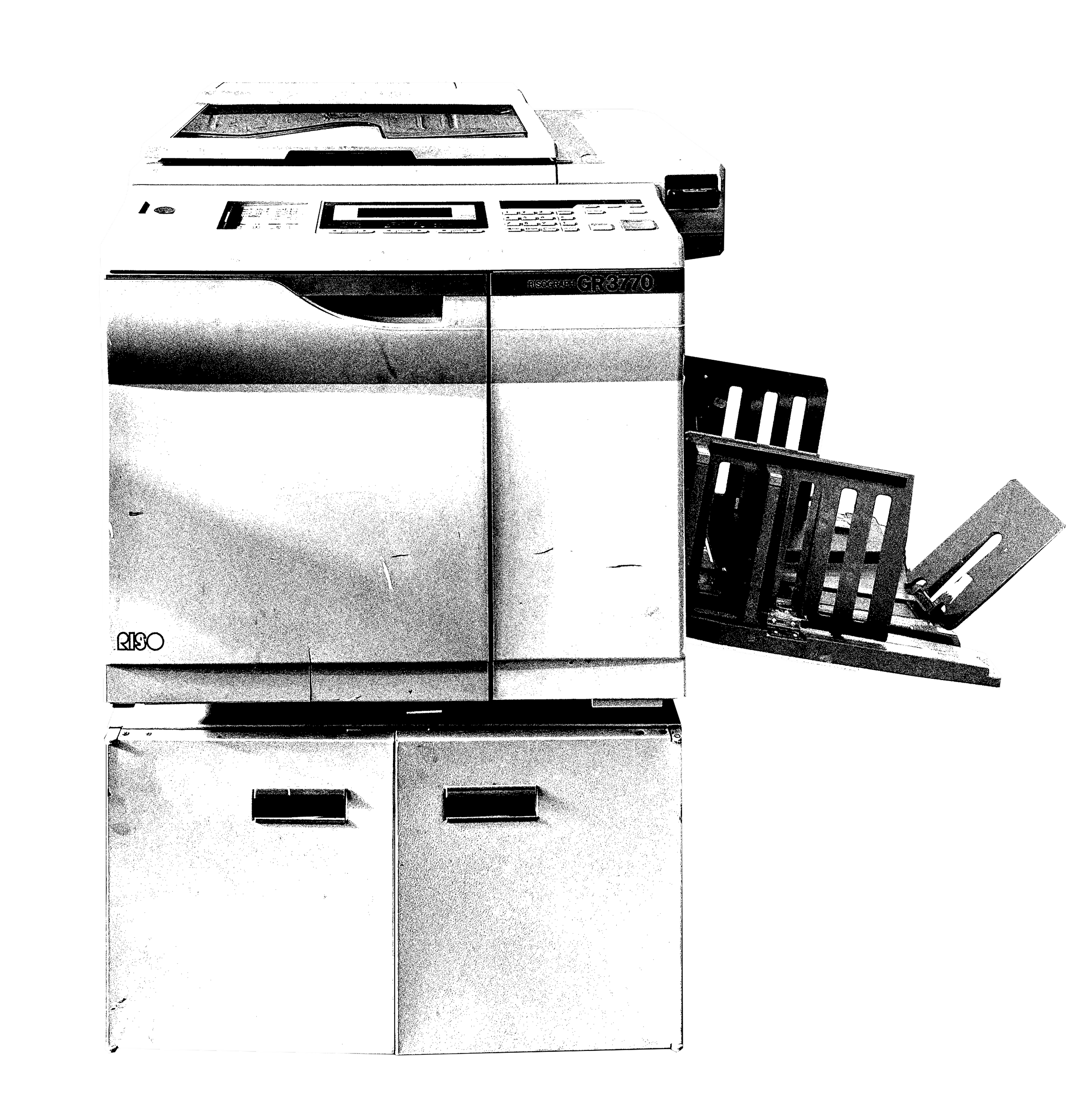
Learn to operate the WIP risographs in order to use them independently during member hours. In session 1, learn how to switch ink colors, separate an image for printing, and align multiple color layers. Between sessions, design an 8-page booklet with WIP’s templates and tutorials. In session 2, learn how to set up a file as a booklet and print it on the riso. At the end of the second class, we’ll use WIP’s bindery equipment to automatically fold and staple your set of 25 eight-page, one-color riso-printed booklets.
Prep for class 1:
Bring a laptop if you have one
Bring an image you want to print. To keep it simple, we recommend a phone photo. Other things that will work include a physical drawing, collage, or sketchbook page. If you bring a physical photo or drawing, we will scan it during class. For session 1, we do not recommend: files created digitally in canva, procreate, indesign, photoshop, clip studio paint, google slides, etc.
Prep for class 2:
Bring a laptop if you have one
Create a file digitally in canva, procreate, indesign, clip studio paint, microsoft word, or google docs - all instructions here
If you have previous hands-on riso experience, you can schedule a $35 one-on-one WIP riso orientation by emailing info@wipmpls.com. Our machines are around 30 years old and they have some quirks, so if it’s been a minute since you printed, or you’re used to newer equipment, you might still find the workshop useful.
Sundays Sept 13 & 27, 1-4pm
After clicking “Register for Workshop” and adding your contact information, please head to the cart icon to complete check out via PayPal. Your registration is not confirmed until you make a payment.
Learn to operate the WIP risographs in order to use them independently during member hours. In session 1, learn how to switch ink colors, separate an image for printing, and align multiple color layers. Between sessions, design an 8-page booklet with WIP’s templates and tutorials. In session 2, learn how to set up a file as a booklet and print it on the riso. At the end of the second class, we’ll use WIP’s bindery equipment to automatically fold and staple your set of 25 eight-page, one-color riso-printed booklets.
Prep for class 1:
Bring a laptop if you have one
Bring an image you want to print. To keep it simple, we recommend a phone photo. Other things that will work include a physical drawing, collage, or sketchbook page. If you bring a physical photo or drawing, we will scan it during class. For session 1, we do not recommend: files created digitally in canva, procreate, indesign, photoshop, clip studio paint, google slides, etc.
Prep for class 2:
Bring a laptop if you have one
Create a file digitally in canva, procreate, indesign, clip studio paint, microsoft word, or google docs - all instructions here
If you have previous hands-on riso experience, you can schedule a $35 one-on-one WIP riso orientation by emailing info@wipmpls.com. Our machines are around 30 years old and they have some quirks, so if it’s been a minute since you printed, or you’re used to newer equipment, you might still find the workshop useful.